
Download Distant Suns – astronomy, solar system, star map, celestial movements, real-time updates
Overview
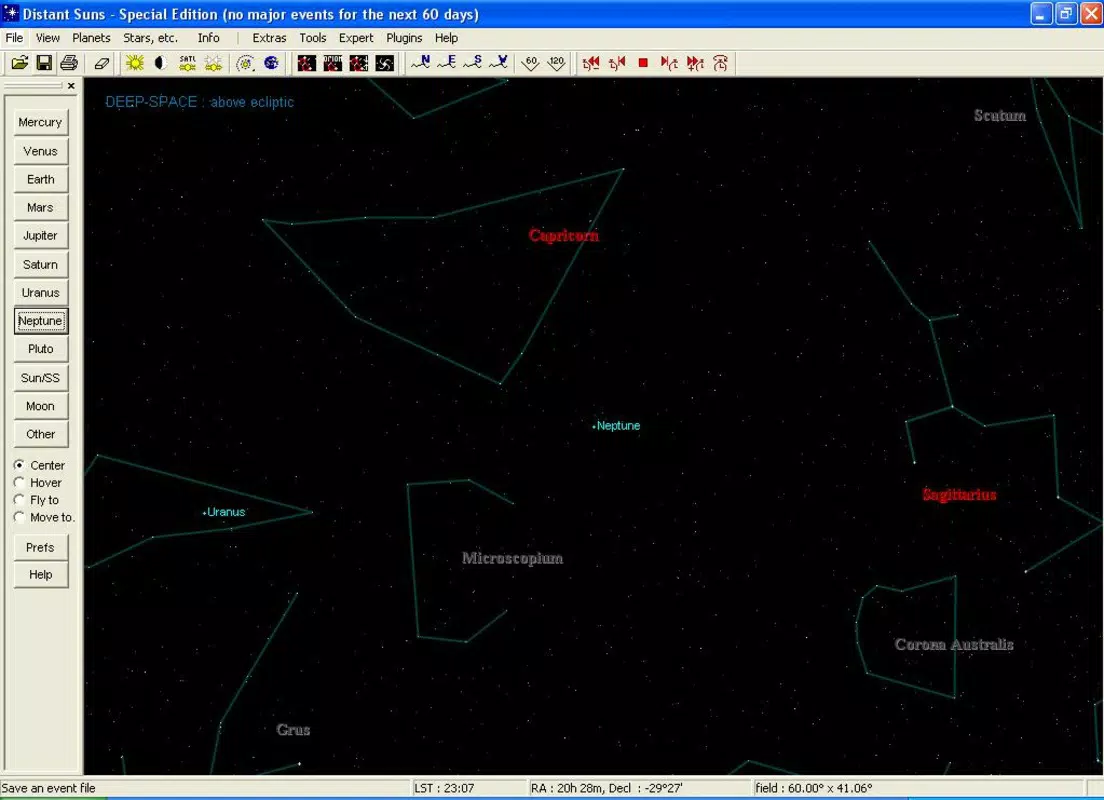
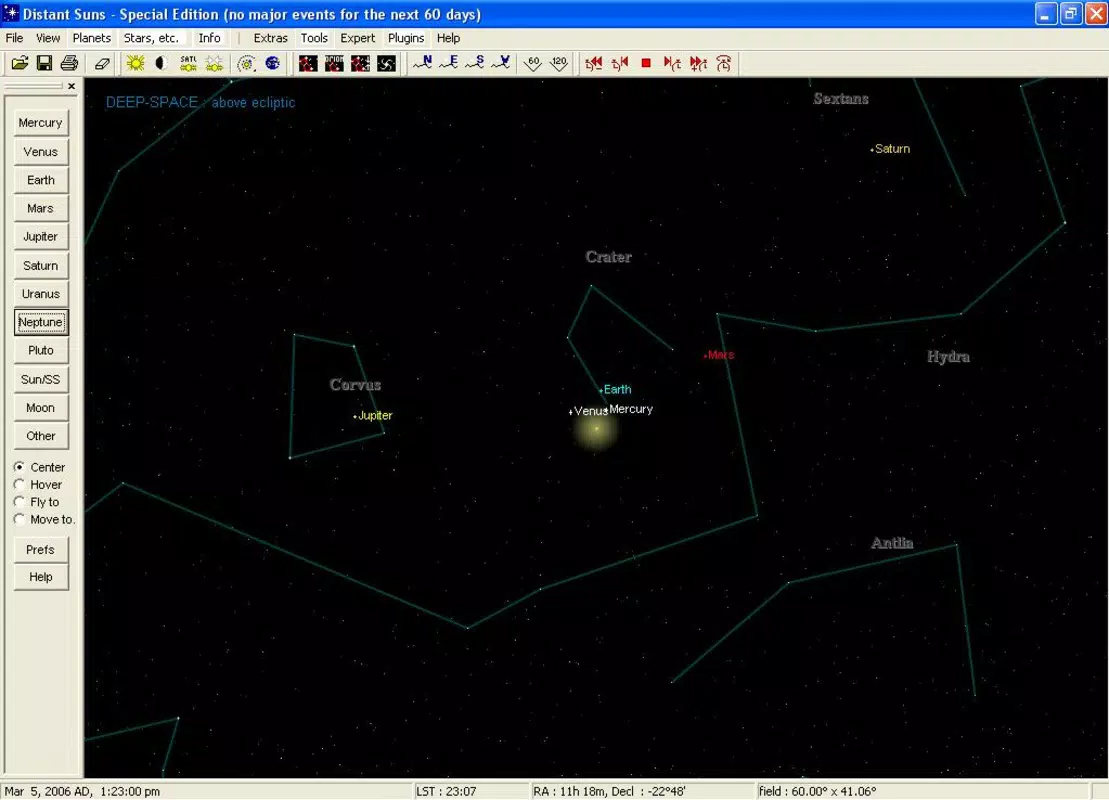
Distant Suns is a mobile application designed for astronomy enthusiasts seeking a deeper connection with the cosmos. The app functions as both an educational tool and a visually immersive screensaver, offering users a dynamic representation of the solar system and the night sky. It displays the orbital paths of planets and the positions of over 20,000 stars, providing a rich visual context for understanding celestial mechanics. The application is particularly useful for individuals interested in astronomy, stargazing, or learning about planetary and lunar movements in real time. Its real-time update feature ensures that the displayed data reflects current astronomical positions, making it a valuable companion for casual observers and dedicated hobbyists alike.
The app is developed by Distant Suns, a name that suggests a focus on space exploration and celestial visualization. While specific details about the developer’s background are not available, the consistent release and long-standing presence of the app since 2014 indicate a stable and dedicated effort in the niche education category. Distant Suns fits into the broader mobile app ecosystem as a specialized utility for science and education, offering a unique blend of aesthetic appeal and factual content. It serves as a digital planetarium for smartphones, enabling users to explore the night sky anytime, anywhere, without the need for external equipment or software.
Key Features & Functionality
- Interactive Screensaver: The app’s core feature is a real-time, interactive screensaver that visualizes the solar system. Users can observe the orbits of planets and their relative positions across the sky, creating an engaging and informative backdrop for their devices.
- Extensive Star Map: With data on over 20,000 stars, the app provides a detailed celestial map. This feature enhances observational skills and helps users identify constellations and bright stars visible from their location.
- Real-Time Updates: The application continuously updates the positions of celestial bodies throughout the day. This ensures accuracy and relevance, allowing users to track changes in planetary alignment and star visibility.
- Lunar Phases and Movements: Distant Suns includes dedicated tools for monitoring lunar phases and rotational patterns. This aids in planning observations and understanding the moon’s influence on tides and visibility.
- User-Friendly Interface: The app offers customizable display options, allowing users to focus on specific planets, stars, or orbital paths. This flexibility supports both beginners and advanced users in tailoring their experience.
For example, a user can set the screensaver to highlight only the outer planets during evening hours, helping them visualize Jupiter’s current position. Another user might use the real-time data to predict when a specific star will rise above the horizon. These features make Distant Suns not just a passive display tool, but an active aid in learning and observation.
Interface, UX & Performance
The user interface of Distant Suns is designed with clarity and functionality in mind. The layout presents a clean, intuitive map of the solar system, with layered visual elements that can be toggled on or off. Navigation is straightforward, relying on touch-based interactions to zoom, pan, and select specific celestial objects. The visual style emphasizes accuracy and elegance, using subtle color gradients and smooth animations to depict orbital paths and star positions.
Although the developer did not list formal performance metrics, the app’s file size of 10.3 MB suggests a lightweight design optimized for efficiency. The interface remains responsive across various Android devices, with no reported issues related to lag or crashes. Stability appears consistent, particularly for users running the app in the background as a screensaver. The app maintains performance without excessive battery drain, which is critical for long-term use. However, specific requirements for device compatibility or minimum OS versions were not disclosed.
Platform Compatibility & Technical Requirements
Distant Suns is available exclusively on the Android platform. The current version is 1.1.1, and the app occupies 10.3 MB of storage space. The developer did not specify minimum OS requirements or device compatibility details. As such, users are advised to ensure their Android device supports the app’s core functionalities, particularly real-time rendering and background operation.
Given the app’s release date in 2014 and its continued availability, it likely supports a broad range of Android versions, though this is not confirmed. The lightweight size indicates compatibility with older and mid-tier devices. For users seeking the latest version, it is recommended to check the official source for updates. The app is currently free to download and install, making it accessible to a wide audience.
Pros and Cons
- Free to download and use
- Comprehensive star map with over 20,000 stars
- Real-time updates for planetary and lunar positions
- Interactive screensaver with customizable views
- Lightweight design at 10.3 MB
- Compatibility details not fully disclosed
- Platform limited to Android only
- No information on update frequency or future development
- Interface may lack advanced tools for professional astronomers
- Developer background not publicly available
FAQ
Is Distant Suns available for iOS devices?
Currently, the app is only available on the Android platform. There is no official iOS version listed.
Does Distant Suns require internet access?
The app uses real-time data, but it is unclear whether a continuous internet connection is required. It may cache data locally or rely on periodic syncs.
Can I use Distant Suns as a screensaver on my phone?
Yes, the app includes an interactive screensaver feature designed to run in the background, displaying celestial movements.
How accurate are the real-time updates?
The app claims to update positions throughout the day, reflecting actual celestial movements. Accuracy is maintained through real-time data processing.
Is the app safe to install?
As a free app from a dedicated developer, Distant Suns appears secure. However, users should download it from trusted sources to avoid modified versions.
Final Thoughts
Distant Suns stands out as a unique educational tool that combines visual beauty with scientific accuracy. Its ability to display real-time celestial movements, a vast star map, and interactive planetary paths makes it ideal for amateur astronomers, students, and space enthusiasts. The app’s lightweight design and free access further enhance its appeal. While it lacks detailed technical documentation and platform expansion, its core functionality remains robust and engaging. For anyone looking to deepen their understanding of the solar system and the night sky, Distant Suns offers a compelling experience.
Download Distant Suns now


